Audit log
See who did what across your organization.
Paid plan only. Available on the web app and, when signed in to a cloud organization, in the desktop app’s Settings tab.
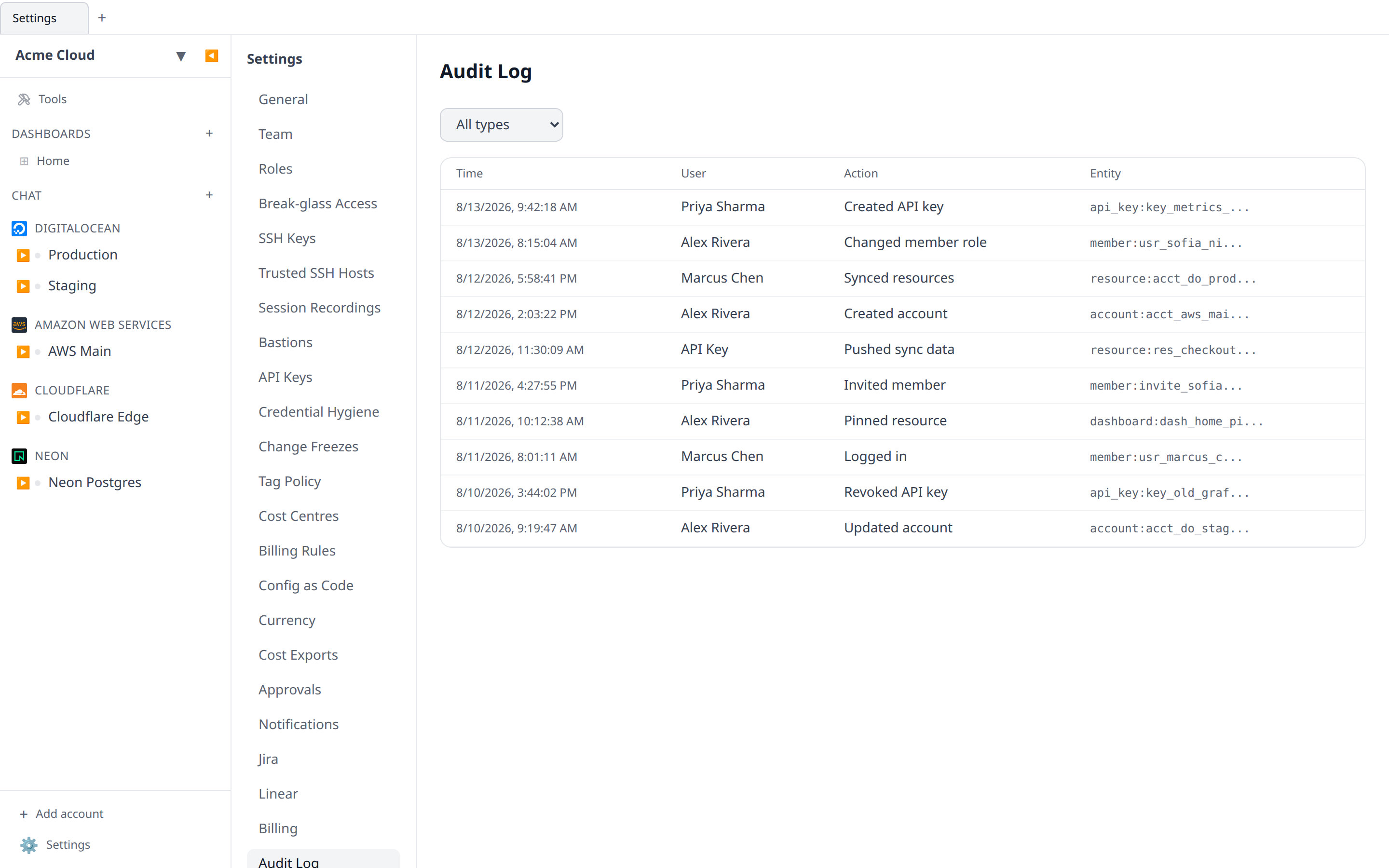
The audit log records every state-changing action in the organization — resource created, account added, SSH session opened, secret exported, member invited, role changed, API key issued. Read-only views (listing a sidebar, opening a dashboard) are not recorded.
What is captured
The table has four columns:
- Time — wall-clock in your timezone.
- User — who did it. When the call came in on an API key the cell names the key and its
iwk_prefix alongside its owner, because a key acts as its owner and the owner alone cannot tell you whether a person or a token was at the other end. System for automated work. - Action — verb + object (e.g. “created Droplet”, “started SSH session”).
- Entity — the type and id of the resource or account affected.
Twenty-five entries to a page, newest first, with Previous / Next underneath and a count of everything matched.
Filtering
The page has two filters. Filter by type covers the entity type — account, resource, dashboard, api_key, member, subscription — or All types. Beside it, Filter by API key narrows the log to a single credential; clicking the key chip in an entry’s User column does the same thing without leaving the page, and All API keys goes back. A key that has since been deleted still filters, because the chip carries its id even when there is no key row left to name it.
The API is where the finer questions get asked. GET /api/org/<orgId>/audit-logs takes the same apiKeyId, plus action, entityType, userId, from and to. Everything one credential did is the first thing to pull when a token leaks, and userId cannot answer that question on its own, because a person and every key they minted share one user id.
Retention
Audit entries are kept for 1 year on the paid plan. Longer retention is available on request.
What it does not capture
- Credential values (they are never logged, only references).
- The content of SQL queries, SSH sessions, or manifest edits — only that the session happened.
If you need deeper logging for a regulated environment, talk to us.