Rev AI
Rev AI transcription jobs, custom vocabularies and account balances on either deployment, with a Speech tab that submits and polls a clip in one step.
What you can manage
- Account — the developer account behind the token: email, deployment, HIPAA status and the USD balances (free, purchased, invoiced, total). Read-only, and the home of the Speech tab.
- Transcription jobs — asynchronous speech-to-text jobs with status, transcriber, language, media name, duration and auto-delete window. Each job’s transcript is fetched inline (delete).
- Custom vocabularies — saved phrase lists a job can reference by
custom_vocabulary_id(create, delete).
Credentials
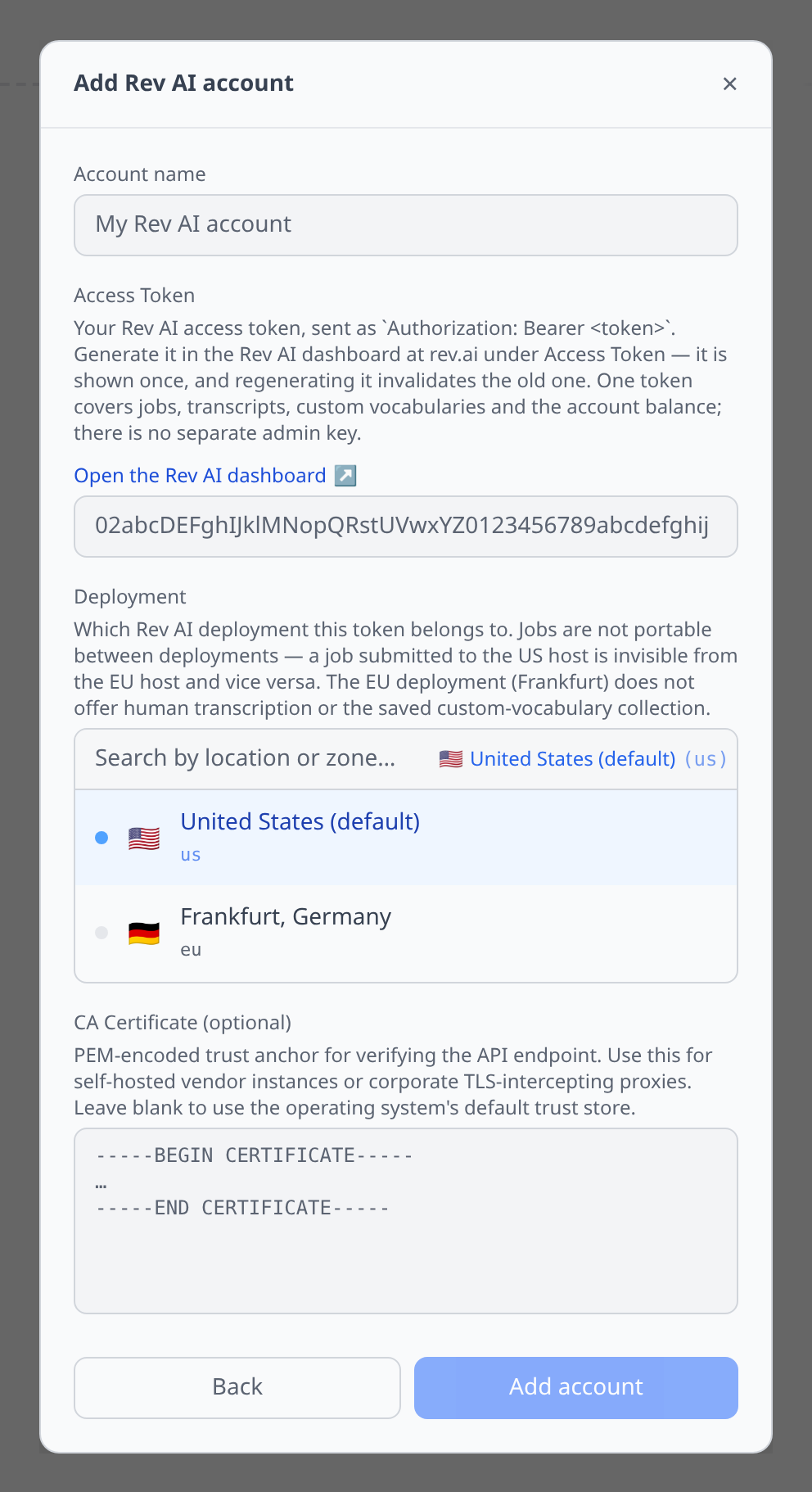
Access Token (required) — the Rev AI dashboard’s Access Token page. It is shown once, and regenerating it invalidates the old one. A single token covers jobs, transcripts, custom vocabularies and the account balance; there is no separate admin key.
Deployment (required, defaults to US) — us (the default host) or eu (Frankfurt). This is not cosmetic: see below.
The Speech tab
Open the account for a Speech tab. It is transcription only. See Speech testing for the panel in general.
The clip is posted to /jobs as multipart, then polled for up to two minutes and the transcript fetched — all in one press. The Transcriber picker offers the three automatic tiers:
- Machine — the default automatic tier
- Low cost — cheaper, lower accuracy
- Fusion — higher accuracy, better on rare words
Rev AI’s fourth transcriber, Human, is deliberately left out of this panel. A human job takes hours to come back and bills at human rates the moment it is accepted, so inside a panel that gives up polling after two minutes the only possible outcome would be “timed out, and you were charged”. Order human transcription through Rev AI directly.
“Reverb”, “Reverb Turbo” and “Whisper” are marketing names for the engines behind these, not valid API values, so they are deliberately absent from the picker — sending one is a rejected job.
Tips & limits
- Jobs are kept for 30 days.
GET /jobsonly covers the last 30 days, so the Transcription Jobs list is a rolling month rather than a full history. - Deployments do not share data. A job submitted to the US host is invisible from the EU host and vice versa, so the deployment you pick when adding the account decides what you can see.
- The EU deployment has no saved custom vocabularies and no human transcription. Frankfurt accepts phrases inline at submit time, but there is no
/vocabulariescollection there, so that section is US-only. - Human transcription cannot be ordered from the Speech tab — see above. Jobs you submit through Rev AI’s own API still show up in the Transcription Jobs list, so that is where you read the result.
- The Speech tab caps clips at 25 MB, well below what Rev AI itself accepts (2 GB and 17 hours). The panel sends audio base64-encoded inside a JSON request, and base64 inflates by a third — 25 MB is what survives that round trip. Send anything larger through Rev AI’s own API directly.
balance_secondsis deprecated and always returns 0, so it is deliberately not shown — displaying it would read as “out of credit” on a funded account. The USD balances are the live numbers.- The transcript URL needs an explicit
Acceptheader. Requesting it with*/*is rejected with a406. - Rev AI omits null properties entirely rather than sending nulls, so a blank field on a job usually means “not set”, not “failed to load”.
- The vocabulary status enum says
complete, notcompleted— worth knowing if you script against the same API.