Work in progressThese docs are still being written and are currently mostly AI-generated. Some details may be inaccurate or incomplete.
SQL Server
Connect to a Microsoft SQL Server database and run queries from the SQL editor.
What you can manage
- Browse databases (and the tables, views, and stored procedures inside them).
- Run arbitrary T-SQL — see SQL editor.
Credentials
A single Connection String field — a SQL Server connection URI:
mssql://user:password@host:1433/dbname?encrypt=true&trustServerCertificate=false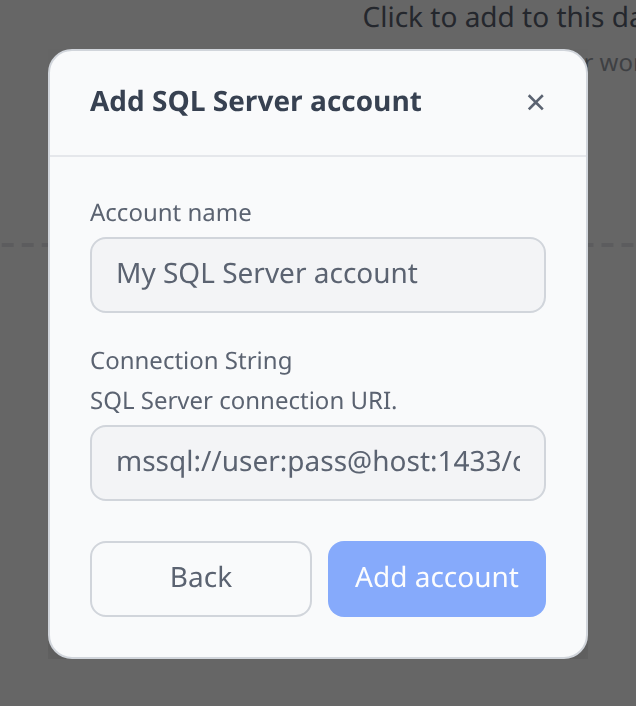
Notable flows
- SQL editor with a schema browser introspected from
INFORMATION_SCHEMA. - SSH tunnel support — if the server only listens on a bastion’s loopback, use Connect service via SSH on that bastion instead of adding an account here; it creates the account for you. See SSH tunnels.
Tips & limits
encrypt=trueis on by default in modern drivers; fliptrustServerCertificate=trueonly if your server uses a self-signed cert and you understand the risk.- Very large result sets are trimmed in the grid at 10k rows — narrow your query or export to CSV.