Work in progressThese docs are still being written and are currently mostly AI-generated. Some details may be inaccurate or incomplete.
KV console
Run Redis and Memcached commands against your connected caches.
The KV console is the key-value counterpart to the SQL editor. It gives you a command-line style interface against Redis and Memcached instances you have connected.
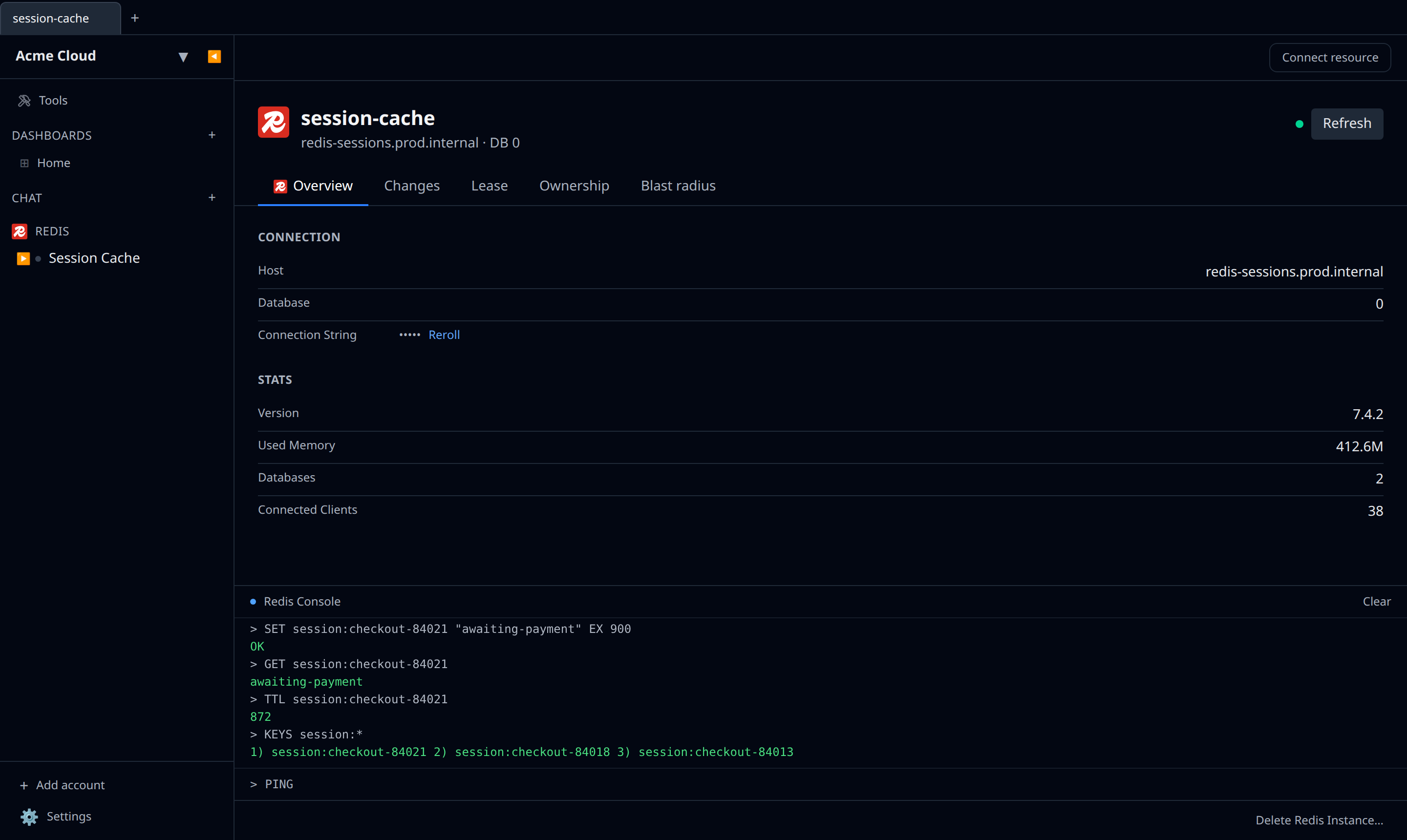
Where to open it
Click the Console button on:
- A Redis account or a Redis-compatible resource (Upstash, ElastiCache with Redis, DigitalOcean managed Redis via output reference).
- A Memcached account or ElastiCache with Memcached.
What it supports
- Redis — the full command set your server version exposes.
- Memcached — text-protocol commands (
get,set,delete,stats, etc.).
There is no autocomplete. The empty console suggests a couple of commands for the driver you are on, and ↑ / ↓ walk back through the last hundred commands you ran in that session. Clear empties the output.
Replies are rendered with type hints: strings as strings, lists as bulleted lists, hashes as tables.
Things to watch
MONITOR,SUBSCRIBE, and other streaming commands hold the connection open until you stop them.- On the web app the console is WebSocket-proxied, so very latency-sensitive benchmarking is better done locally.
- There is no undo.
FLUSHALLflushes all.