Gladia
Gladia pre-recorded transcription jobs and their results, with a Speech tab that uploads, submits and polls a clip in one step.
What you can manage
- Workspace — the API key as a single navigable resource, carrying an activity summary derived from recent jobs and the Speech playground. Read-only.
- Transcriptions — pre-recorded transcription jobs with status, file name, audio duration, billed time, processing time, detected languages and channel count. The full transcript is fetched inline (delete).
Credentials
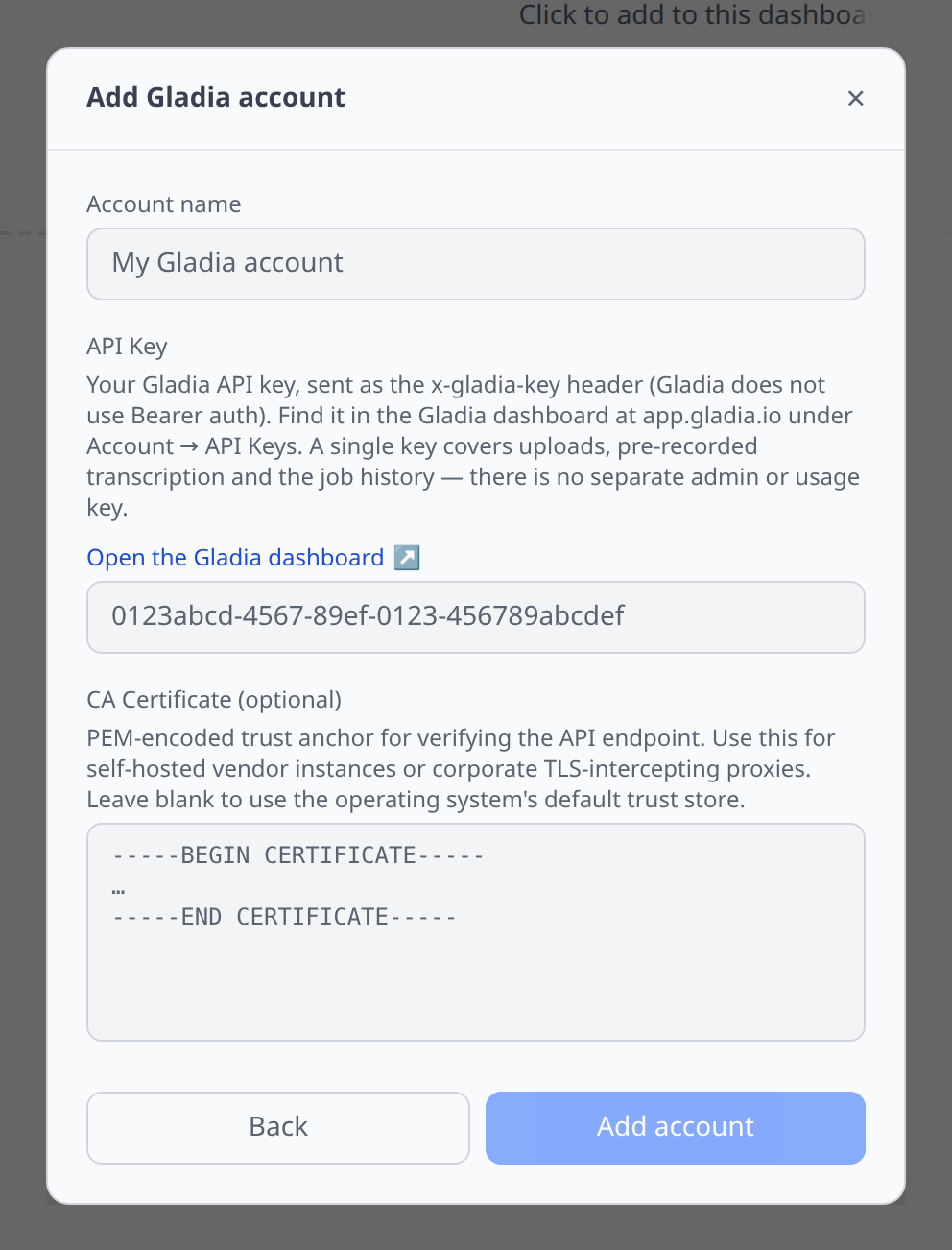
One field. Gladia dashboard at app.gladia.io → Account → API Keys.
The key is sent as the x-gladia-key header — Gladia does not use Bearer auth. A single key covers uploads, pre-recorded transcription and the job history; there is no separate admin or usage key.
The Speech tab
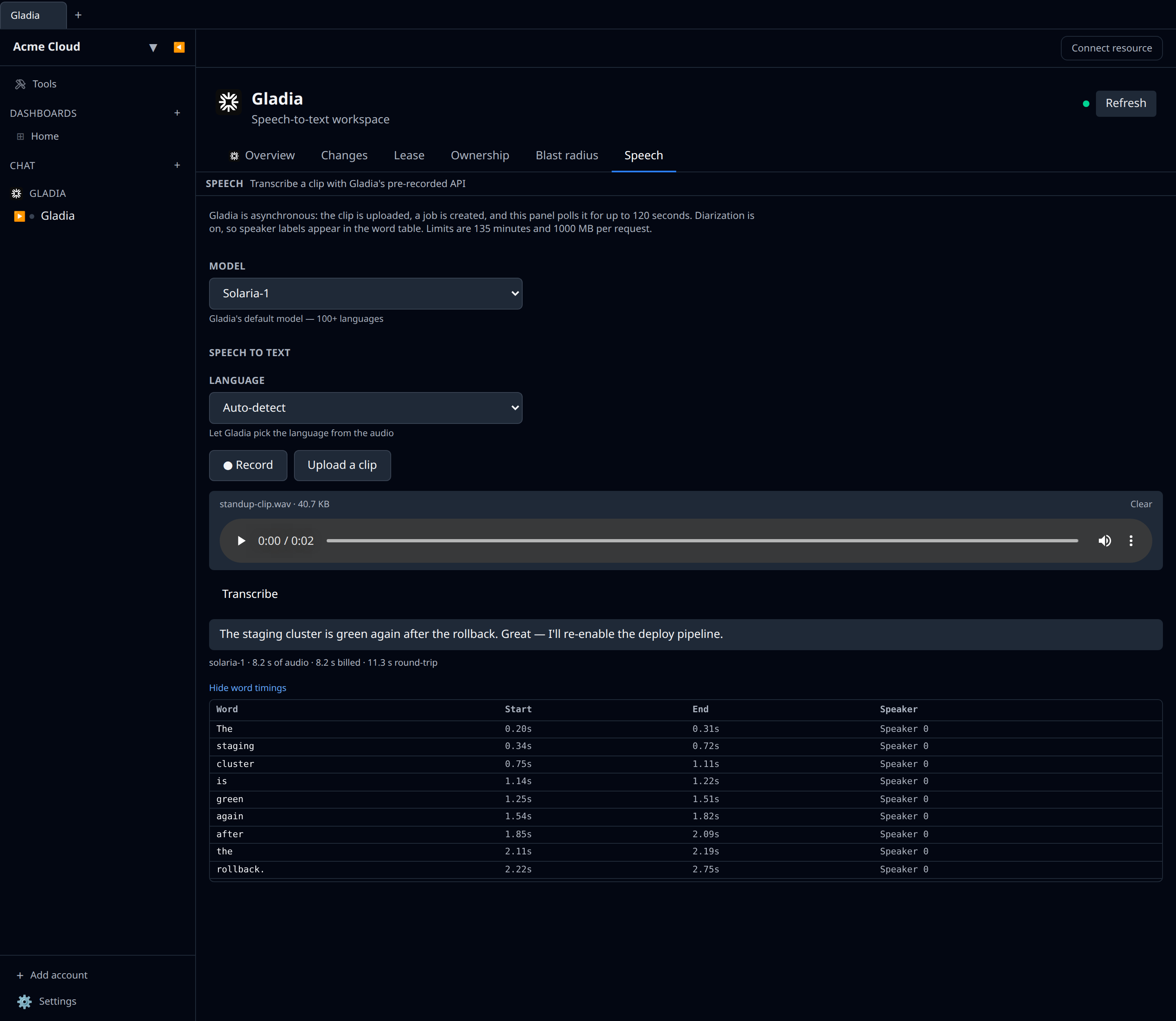
Open the workspace for a Speech tab. It is transcription only. See Speech testing for the panel in general.
Gladia is asynchronous, so one press uploads the clip, creates a job, and polls it for up to two minutes. Diarization is on, so speaker labels appear in the word table. Two models are offered: Solaria-1 (the default, 100+ languages) and Solaria-3 (latest generation, pre-recorded only).
Tips & limits
- There is no usage or quota endpoint. The workspace’s activity panel is deliberately not called “Usage”: it sums the most recent jobs returned by
/v2/pre-recorded, which is a lower bound on real usage, not a billing figure. The panel says so in as many words, and Infrawrench charts no Gladia spend. - Billed time and audio duration are different numbers, and both are shown on every job. Billed time is the one that costs money.
- The Speech tab caps clips at 25 MB, well below what Gladia itself accepts (135 minutes and 1,000 MB). The panel sends audio base64-encoded inside a JSON request, and base64 inflates by a third — 25 MB is what survives that round trip. Send anything larger through Gladia’s own API directly.
- The Speech tab gives up after two minutes. Long recordings are better submitted from Gladia’s own dashboard and read back from the Transcriptions list here.
- The list endpoint reports no total.
/v2/pre-recordedreturns{first, current, next, items}with no count, so paging walksnextuntil it runs out — there is no “N of M” to show. - Deleting a transcription returns
202 Accepted, so the row may linger for a moment before the next sync clears it.