Replicate
Browse Replicate predictions, models, trainings and files, and create or rescale deployments.
Replicate runs community and private models behind one API. This plugin gives you the account’s prediction history, its trainings, its deployments, and the files it has uploaded.
What you can manage
- Predictions — status, input preview, timings, output link, and cancel while running
- Deployments — create one, rescale it, roll it to a new version, delete it
- Models — the models this account actually runs, with run counts and version ids
- Trainings — status, destination model, and the version each run produced
- Files — uploaded prediction inputs, with checksums and expiry
- Collections — Replicate’s curated model groups
- Hardware — the SKUs a deployment can run on
Credentials
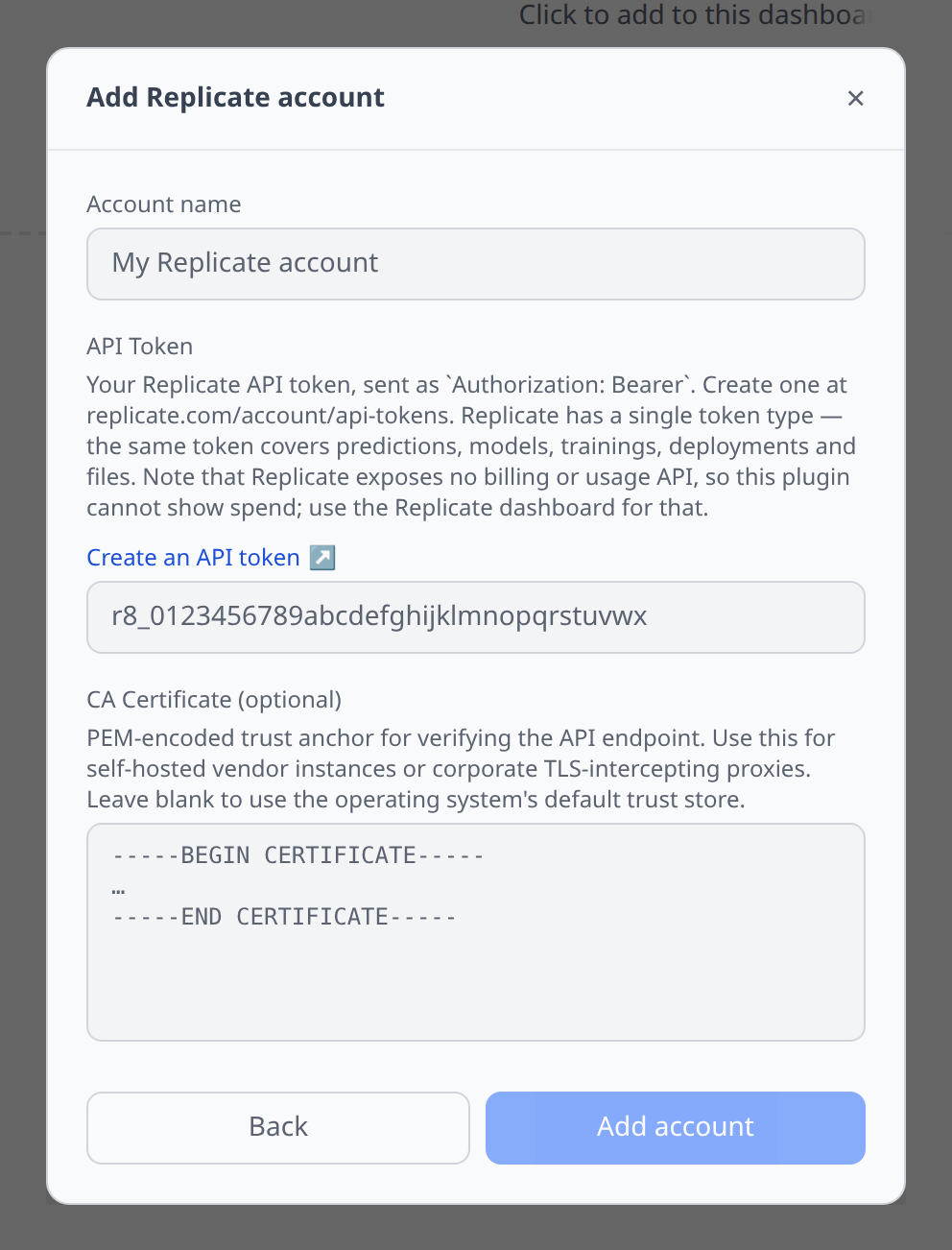
Create a token at replicate.com/account/api-tokens and paste it as API Token. It starts with r8_.
Replicate has a single token type — the same token covers predictions, models, trainings, deployments and files.
Notable flows
- Create a deployment with a model picker and a hardware picker. Leave the version blank and the plugin resolves the model’s latest version for you, rather than making you paste a 64-character hash.
- Rescale a deployment by editing its minimum and maximum instances. Setting the minimum to 0 lets it scale to zero between requests, at the cost of a cold start on the next one.
- Cancel a running prediction or training from its detail page.
Tips & limits
- There is no billing, usage or spend API.
GET /v1/accountreturns your username and nothing else — no credits, no balance, no usage series. Infrawrench therefore shows no cost data for Replicate at all; the deployment page links to the Replicate billing dashboard instead. - Output files expire after one hour. For predictions created through the API, Replicate deletes the input, output and logs an hour after the prediction completes, and the
replicate.deliveryURLs stop working. Predictions made on the Replicate website keep their files. Download anything you want to keep. - Uploaded input files expire on their own schedule, which is not the same window. Each file carries its own
Expirestimestamp — the detail page shows it, and that is the value to trust. abortedis notcanceled. Replicate distinguishes a run that was stopped while executing (canceled) from one that was terminated before it ever started (aborted, usually a missed deadline). Both appear, with different labels and colours.- Official models report their version as
hidden. That is Replicate’s placeholder, not a missing value, and the detail page labels it as such. - The model list is derived, not enumerated. Replicate has no “list my models” endpoint —
GET /v1/modelsreturns the entire public catalogue — so the plugin shows the models this account touches: anything it deploys, trains into, or has run recently. A brand-new account with no predictions will have an empty Models list. - Model search is not wired up. Replicate’s search uses the literal HTTP
QUERYverb, which many HTTP clients and proxies refuse to emit. - Deployments can only be deleted after 15 minutes offline and unused, per Replicate’s own rule.
- List pages are a fixed 100 records. There is no page-size parameter anywhere in the API, so the plugin follows Replicate’s opaque cursor URLs and caps how far back it walks.
Speech
Replicate has no first-party audio endpoint — its speech models are community models run through the asynchronous /predictions lifecycle. That does not fit the one-shot request/response of the Speech tab, so this plugin deliberately does not wire one. Run a speech model as a normal prediction instead.