Work in progressThese docs are still being written and are currently mostly AI-generated. Some details may be inaccurate or incomplete.
OVHcloud
Manage OVH public cloud projects and services.
What you can manage
- Public Cloud instances
- Managed Kubernetes
- Block Storage volumes
- Object Storage
- Load Balancers
- Private Networks
- Floating IPs
- Gateways
- Public Cloud Databases (PostgreSQL, MySQL, MongoDB, Redis, Kafka, OpenSearch, Cassandra, M3DB, Grafana)
Credentials
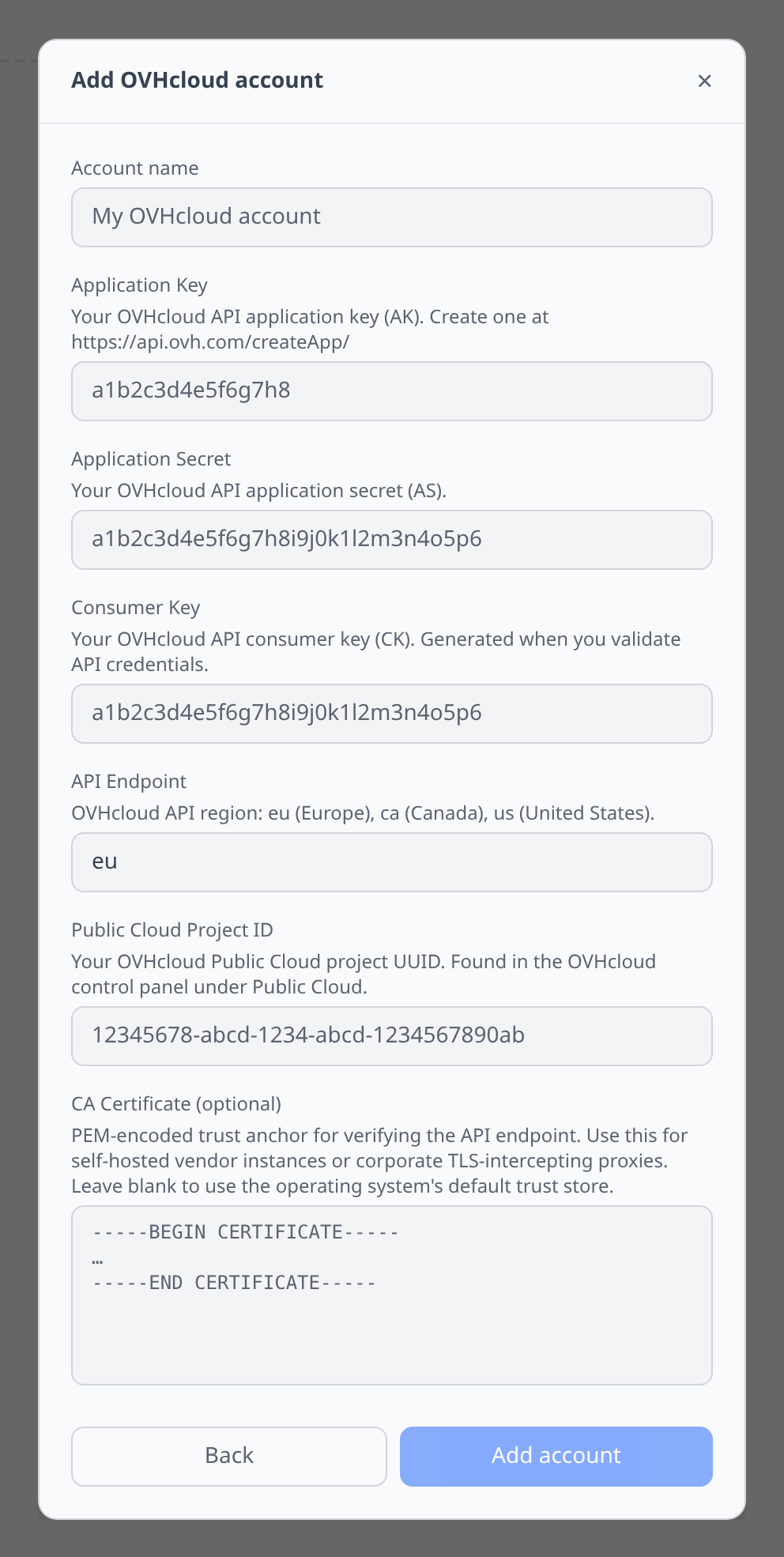
Generate API credentials at the OVH API token page with the scopes you need, then paste:
- Application Key and Application Secret — identify your app to the OVH API.
- Consumer Key — the per-user grant returned when the token is validated.
- API Endpoint — region:
eu(Europe),ca(Canada), orus(United States). - Public Cloud Project ID — the project to manage.
Notable flows
- SSH terminal on public cloud instances.
- Block volume attachment to instances in the same region.
- Peer-plugin tabs on managed databases — PostgreSQL, MySQL, MongoDB, Redis, Kafka, and OpenSearch clusters open the matching client plugin’s tab with the endpoint pre-filled. OVH never returns user passwords after creation, so the peer tab works for users whose password Infrawrench captured at create time; pre-existing users need a rotated password pasted in.
Tips & limits
- OVH’s API is organized by region (eu, us, ca). Make sure the token has scope for every region you plan to use.
- Consumer keys can be time-limited — pay attention to expiry when creating.
Cost graphs
OVHcloud accounts feed cost graphs & budgets from bills (/me/bill) plus current unbilled consumption — pre-tax amounts on bill dates, broken down by service.
- The consumer key needs access rules for
GET /me/bill*andGET /me/consumption*. Without the consumption rule, invoiced history still collects and only the current-period preview is missing.