Work in progressThese docs are still being written and are currently mostly AI-generated. Some details may be inaccurate or incomplete.
Fly.io
Manage Fly apps, machines, volumes, certificates, and IP allocations across 36 regions.
What you can manage
- Apps (list, view config)
- Machines (start / stop / restart, state tracking)
- Volumes
- Certificates
- IP allocations
Credentials
Fly.io dashboard → Account → Access Tokens → Create Token. Tokens are organization-scoped, so you also need to tell infrawrench which org to use.
- API Token — the token from the Fly dashboard.
- Organization Slug — your Fly org slug (defaults to
personal).
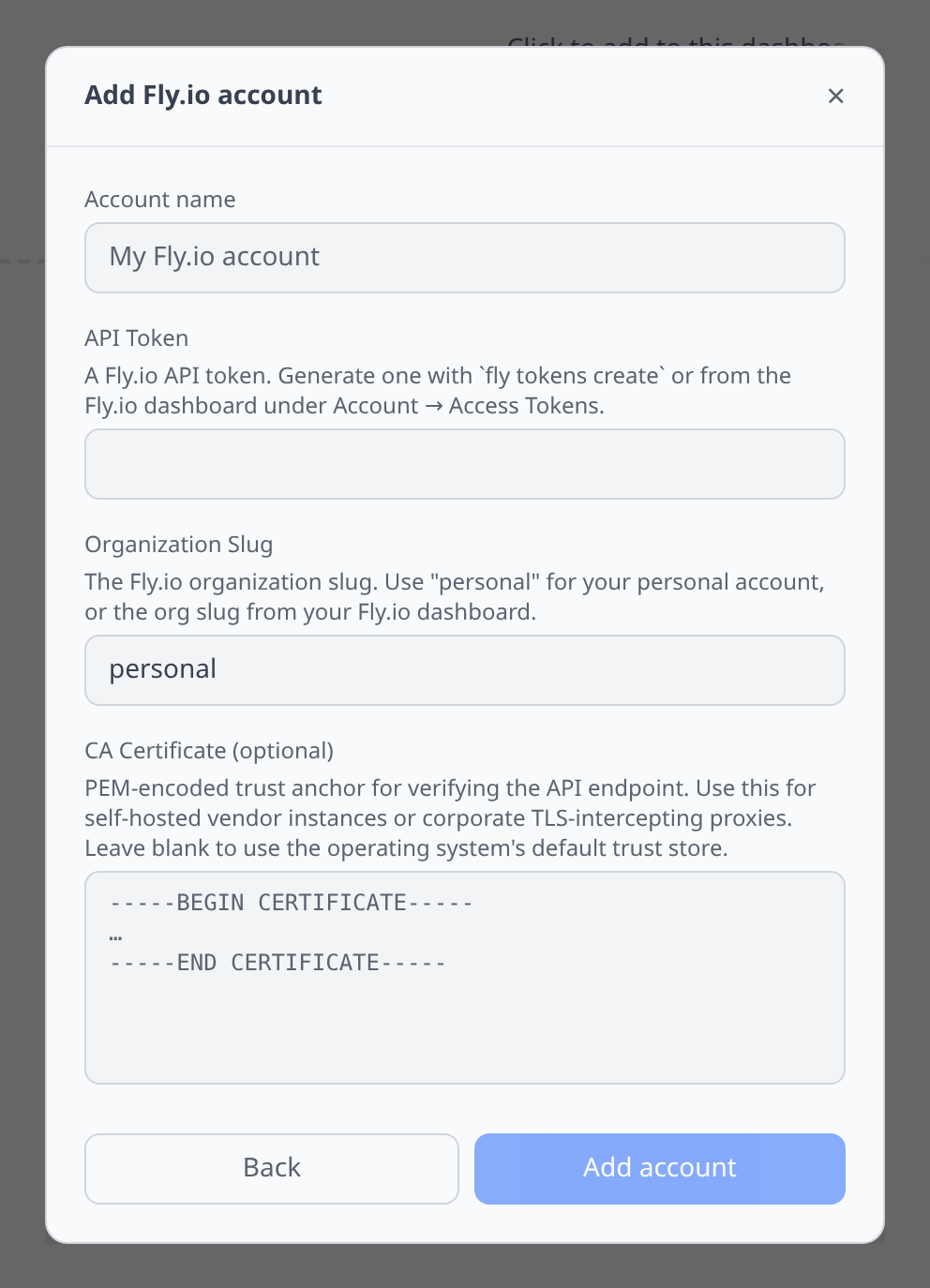
Infrawrench uses the token for both the Machines API and the GraphQL API.
Notable flows
- SSH terminal on machines that have
fly sshenabled. - Region picker across all 36 Fly regions when creating machines.
- Machine state (started, stopped, destroyed) tracked in the list view.
- Certificate and IP inventory across every app in the configured organization.
Tips & limits
- Fly apps can be organization-scoped. Tokens scoped to one org will not see apps from another.
- Machine creation via infrawrench sets only common fields — for complex configs (custom init, metadata, anti-affinity), use
flyctland pull the result back in.