Google Gemini
The Gemini API on Google AI Studio — models, tuned models, files, context caches, batches and File Search stores, plus speech synthesis and transcription.
This is the AI Studio Gemini API (generativelanguage.googleapis.com), not Vertex AI. If you want Vertex, service accounts and Google Cloud billing, use the Google Cloud plugin instead.
What you can manage
- Models — the base catalogue with input and output token limits, supported generation methods, sampling defaults, and whether the model emits reasoning tokens. Read-only, and the home of the Speech tab.
- Tuned models — models tuned from a base model on your own examples, with their hyperparameters and tuning timestamps (delete).
- Files — anything uploaded to the Files API, with its state and expiry (delete).
- Context caches — pre-tokenised prompt prefixes billed at the reduced cache rate. The TTL is editable; everything else is fixed at creation.
- Batches — asynchronous inference at half the interactive rate, with per-request counters (cancel, delete).
- File Search stores — managed RAG indexes queried with the
file_searchtool (create, delete). - File Search documents — the individual documents inside a store (delete).
Credentials
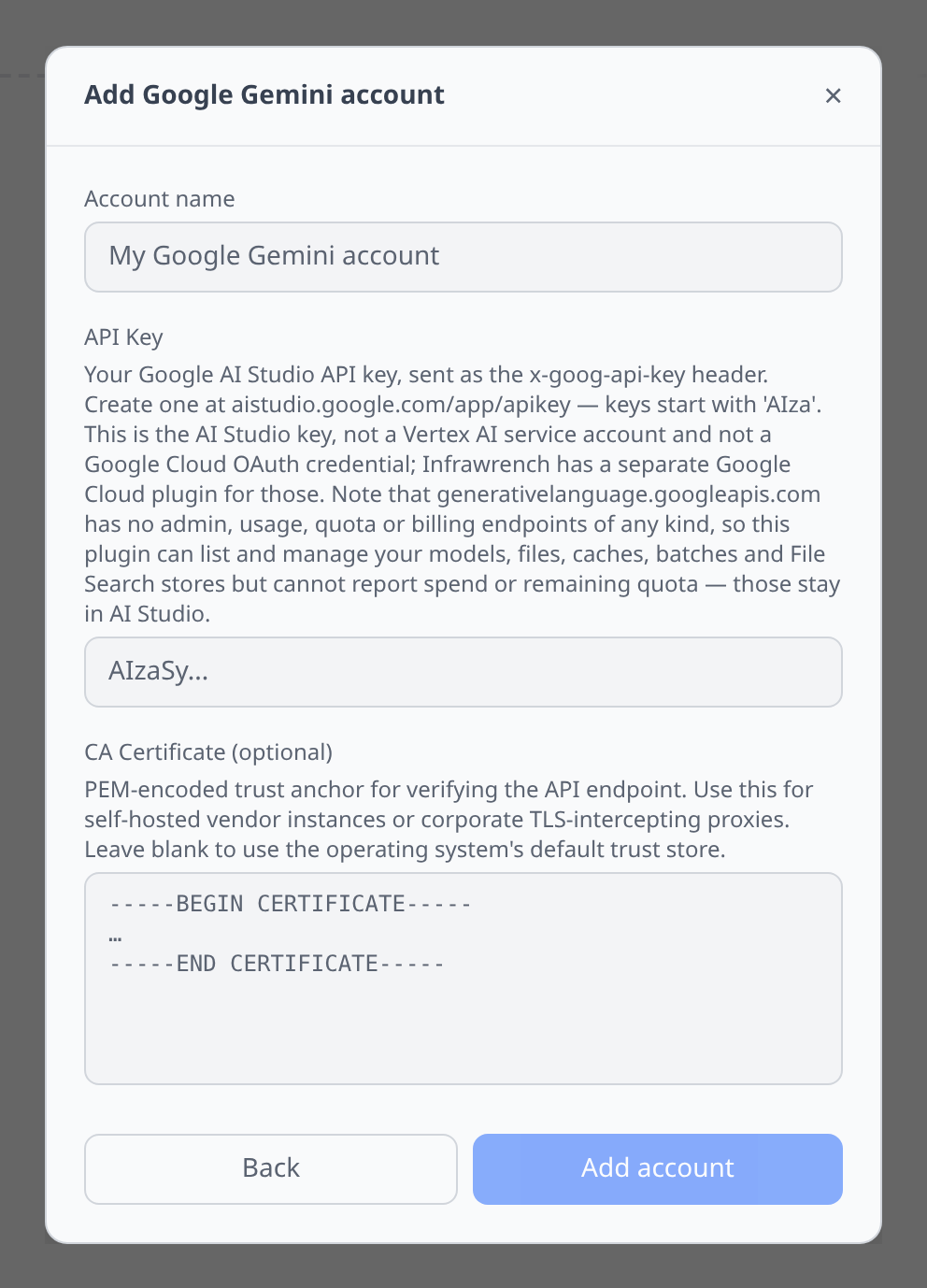
One field. Google AI Studio → Get API key, at aistudio.google.com/app/apikey. Keys start with AIza and are sent as the x-goog-api-key header.
This is deliberately not a Vertex AI service account and not a Google Cloud OAuth credential — neither will authenticate against this host.
The Speech tab
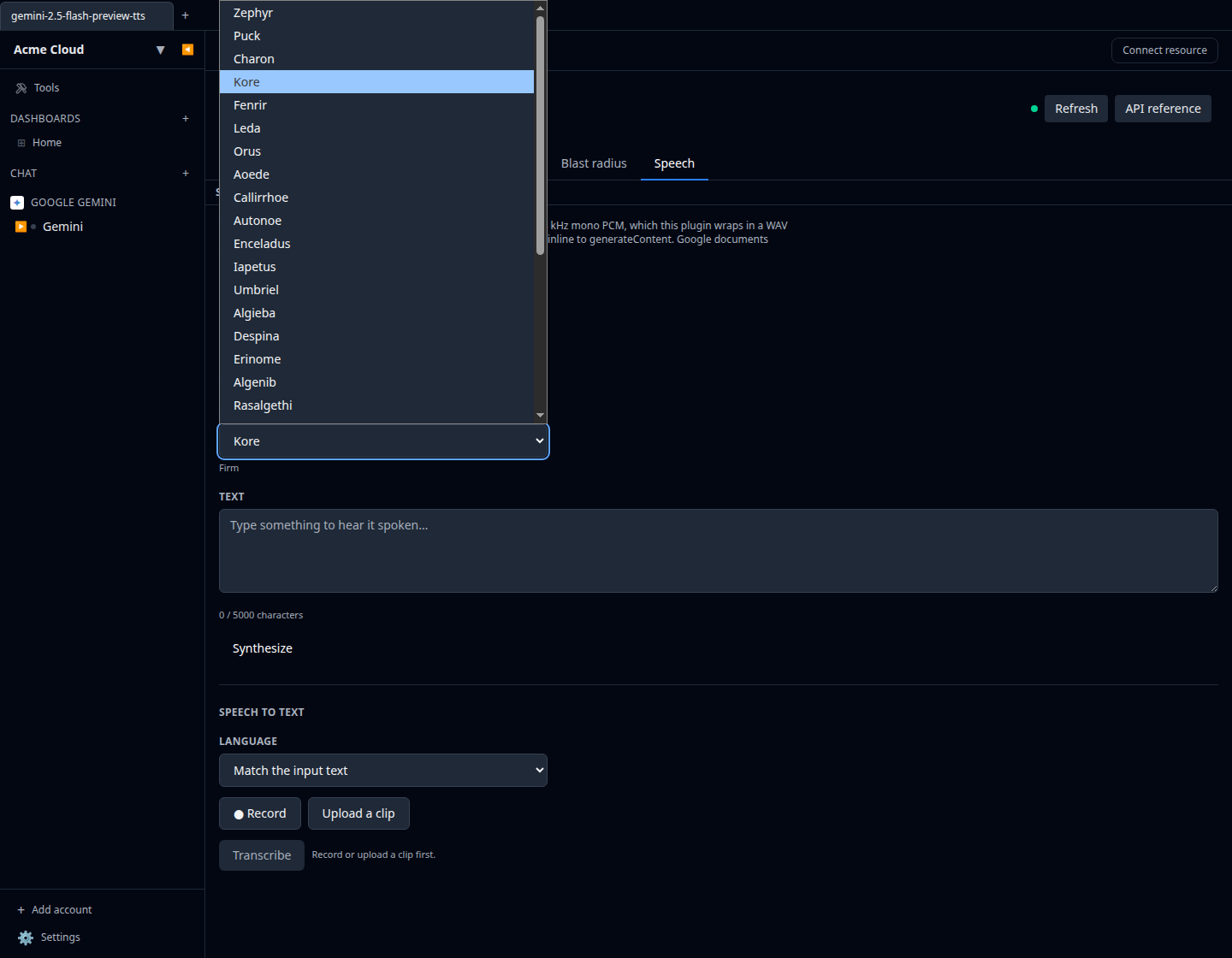
Open any model for a Speech tab with both halves. See Speech testing for the panel in general.
- Synthesize runs through the Interactions API on
gemini-3.1-flash-tts-preview,gemini-2.5-flash-preview-ttsorgemini-2.5-pro-preview-tts. All thirty prebuilt voices are offered with Google’s own one-word style descriptors — Zephyr (bright), Puck (upbeat), Kore (firm), Enceladus (breathy), Sulafat (warm), and so on. Gemini returns raw 24 kHz mono PCM, which the plugin wraps in a WAV header so the player can play it. - Transcribe sends the clip inline to
generateContent, which means any multimodal Gemini model can do it — the picker lists the TTS models first and then everything else.
The language picker leads with Match the input text, which is the usual case; pinning a BCP-47 tag forces the output language.
Tips & limits
- There is no billing, usage or quota API — at all.
generativelanguage.googleapis.comexposes inference and storage and nothing else, so this plugin cannot chart spend or remaining quota. The model page says so and links to AI Studio and the rate-limits page rather than showing an empty chart. The only cost signal in the API is the per-responseusageMetadatatoken count. - Uploaded files auto-delete after 48 hours. The Files list is a rolling two-day window, not an archive. Storage caps at 20 GB per project and 2 GB per file.
- Inline audio is capped at 14 MB in the Speech tab. Gemini’s inline request bodies max out at 20 MB total, and base64 inflates audio by a third, so 14 MB of raw audio is what fits with room for the JSON envelope. Longer clips go through the Files API.
- Google’s documented audio formats exclude what your browser records. WAV, MP3, AIFF, AAC, OGG and FLAC are listed; WebM (Chrome, Edge, Firefox) and MP4 (Safari) are not. They very probably work anyway — Firebase AI Logic fronts this same endpoint and lists both — so the plugin forwards a recording untouched and lets you see a real result rather than refusing it client-side. Upload one of the six documented formats if you want a guarantee.
- Batches are Operations-shaped, not a normal collection. The list response is
operations[], and the actual batch payload lives in each entry’smetadata. The plugin flattens it; you just see batches. - Deleting a File Search store deletes its documents with it. Both File Search deletes are sent with
force=true, because without it a store holding documents refuses the request — and by that point you have already confirmed the deletion. - Only a cache’s TTL is editable. Everything else about a context cache is fixed once created.
- Tuning is de-emphasised but alive. The HTML reference for it 404s; the endpoints in the live discovery document still work, which is what this plugin uses.